Suica & PASMO: Pay for Food, Trains & More (2026)

The all-in-one Japanese learning app
From travel phrases to real fluency — all in one app.
All 2,136 standard kanji included. Every feature is free to use.
Suica vs PASMO compared: where to buy, mobile setup, food and transit payments, and which IC card saves you the most hassle.
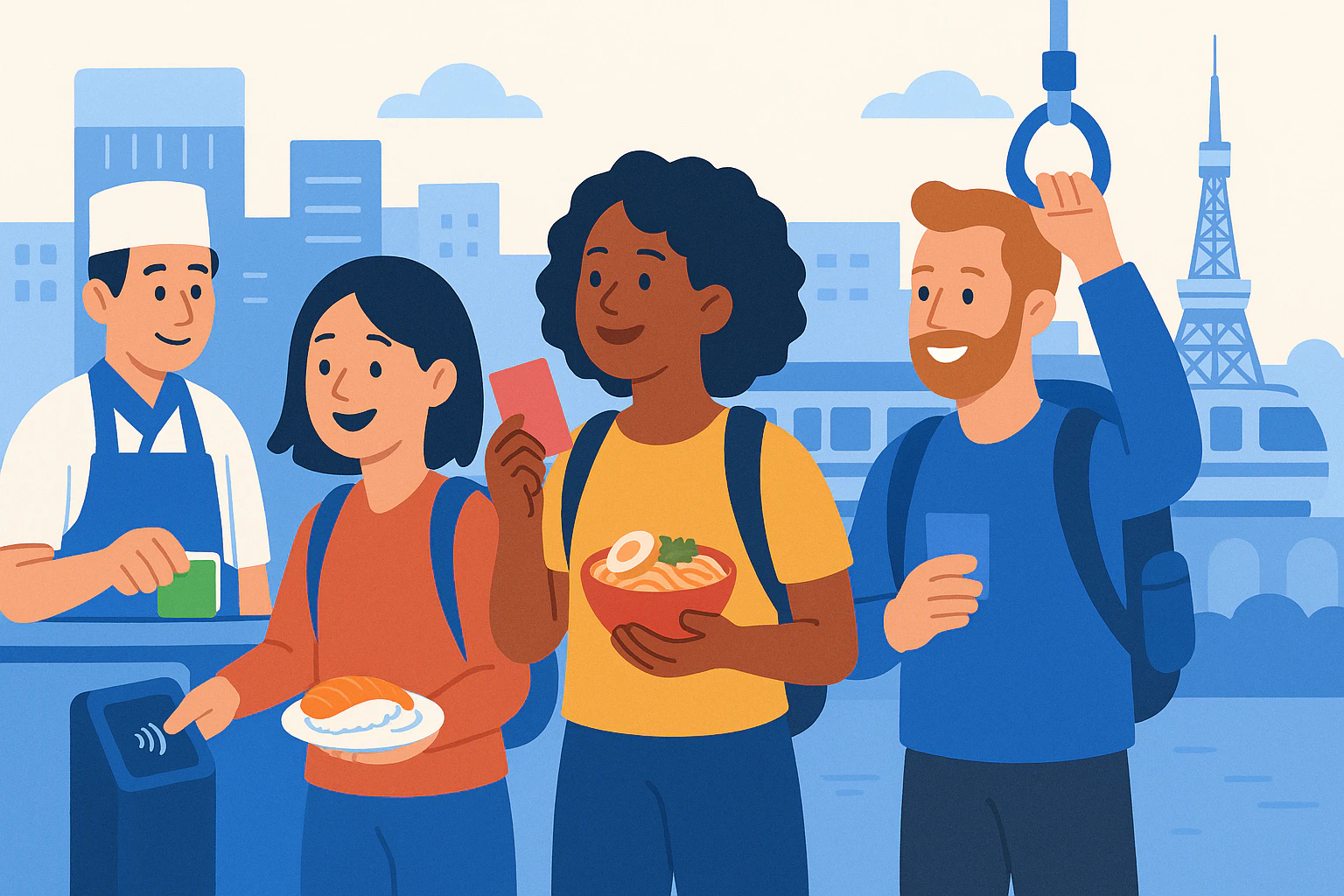
If you’re comparing Suica vs PASMO for tourists in 2026, the big question isn’t “Which train company issues it?”—it’s “Which option lets me pay for food fast, all day, with the least hassle?” In Tokyo especially, IC cards are your best friend for konbini snacks, vending machine drinks, and casual meals, not just subway gates.
The 2026 reality: older posts still claim you “can’t buy” anonymous cards, but unregistered (anonymous) Suica and PASMO sales restarted on March 1, 2025, and Tokyo Metro also noted the PASMO PASSPORT is sold out. That changes what tourists should plan for, especially if you want a physical card for quick food payments.
Food-first takeaway: If you have an iPhone, going mobile can save you airport time and make top-ups easier. If you want a physical card, anonymous Suica/PASMO are back (since March 1, 2025), and Welcome Suica is still a tourist-friendly option—just remember its cash-only top-ups.
Suica vs PASMO for tourists: Suica, PASMO, Welcome Suica, or Mobile—what tourists should choose in 2026
For day-to-day travel and quick food purchases, Suica and PASMO work almost the same because they’re part of Japan’s interoperable IC network. In practice, you should choose based on how you want to top up (cash vs phone) and how fast you want to get started after landing.
Quick decision guide (most tourists, 1–3 weeks)
- Best “skip the line” option (iPhone): Welcome Suica Mobile app (iOS) or adding Suica/PASMO to Apple Wallet.
- Best physical card for flexibility: Anonymous (unregistered) Suica or PASMO (sales resumed March 1, 2025).
- Best tourist physical card if you don’t care about refunds: Welcome Suica (valid 28 days, no refund, cash-only top-ups).
- If you were planning PASMO PASSPORT: Don’t—Tokyo Metro stated it’s sold out, so plan around Welcome Suica or mobile instead.
What’s the real difference between Suica and PASMO for tourists?
Suica is issued by JR East; PASMO is issued by the PASMO Association (private railways/subways in the Tokyo area). For tourists paying for food, the key point is: both are widely accepted anywhere you see IC/Suica/PASMO marks, and both can cover transit + small purchases.
JR East’s own guidance emphasizes Suica as e-money for convenience stores, vending machines, and restaurants/fast food/cafes, which is exactly why a “food-first” IC strategy works.
Welcome Suica (physical) vs Welcome Suica Mobile (iOS): not the same thing
Welcome Suica (physical) is a tourist card that’s valid for 28 days from purchase, and balance refunds aren’t available (with limited exceptions if the card malfunctions, following JR East’s procedure). It’s great if you want a souvenir card and don’t mind using cash to top up.
Welcome Suica Mobile is JR East’s iOS app for overseas visitors that lets you issue and top up Suica on your phone, and JR East states it’s valid for 180 days after issuance (as shown on their official page). It also highlights top-ups via Apple Pay, which can be a major stress-reducer when you’re hungry and out of cash.
Suica vs PASMO for tourists: How to get one fast (airports, major stations, and Welcome Suica Mobile)
In 2026, your fastest “first meal in Japan” plan is: (1) get your IC set up before you’re starving, (2) load enough yen for transit + food, (3) use it immediately at the nearest konbini.
Option A (fastest if you have iPhone): Welcome Suica Mobile app (iOS)
JR East released Welcome Suica Mobile on March 6, 2025 for overseas visitors. The official JR East page notes you’ll need location information turned on, and also warns that app download/top-up can be restricted by law in some countries (so in some cases you may only be able to issue/top up after arriving in Japan).
- Official info page: Welcome Suica Mobile (JR East)
- Best for: avoiding airport queues; topping up without hunting for cash
- Heads up: currently positioned as iOS/Apple Pay friendly; Android tourists should plan a physical card or cash top-ups
Option B (also great on iPhone): Add Suica or PASMO in Apple Wallet
If you’d rather use Apple Wallet directly, Apple provides step-by-step instructions to top up Suica/PASMO/ICOCA from your iPhone or Apple Watch Wallet using a credit or prepaid card. This is one of the easiest ways to stay “food-ready” without ATM runs.
- How-to from Apple: Use Suica, PASMO, or ICOCA cards on iPhone or Apple Watch in Japan
- Pro tip: turn on Express Transit (where available) so gates are smoother; in-store payments may still request authentication
Option C (physical, tourist-friendly): Buy Welcome Suica at airports or major hubs
JR East officially lists Welcome Suica sales locations (from March 27, 2025) including JR EAST Travel Service Centers at major hubs (Haneda/Narita and big Tokyo stations like Tokyo, Shibuya, Shinjuku, Ikebukuro, Ueno, Yokohama) plus dedicated airport vending machines. JR East also states that in principle, only one Welcome Suica per person.
- Official purchase locations: Welcome Suica purchase (JR East)
- Typical tourist starting balances: ¥2,000–¥5,000 is practical for the first 1–2 days (a few train rides + drinks + konbini meals)
Option D (physical, flexible): Anonymous Suica/PASMO (now back)
Tokyo Metro published a release stating that unregistered (anonymous) Suica and PASMO sales restarted on March 1, 2025 after the chip shortage disruptions. This matters because anonymous cards are often the most “tourist-simple” physical option: buy, tap, and eat.
Also in that same Tokyo Metro notice: PASMO PASSPORT was sold out, which is why you’ll see most 2026 advice shifting tourists to Welcome Suica or mobile solutions.
Where to buy fast: Haneda, Narita, and Tokyo Station (hours + access)
If you want a staffed counter (helpful when you’re jet-lagged), go to a JR EAST Travel Service Center. JR East publishes each center’s access and hours—three useful ones for tourists:
- Narita Airport Terminal 1: 8:30–19:00, open all year. Access: at B1F near the JR/Keisei ticket gates. (Official details)
- Haneda (Terminal 3 / Tokyo Monorail station): 6:45–20:00, open all year. Access: next to the ticket gate on the 2nd floor. (Official details)
- Tokyo Station: 8:30–19:00, open all year. Access: just outside the Marunouchi North Exit ticket gate (1F). (Official details)
Queue strategy: if you land during peak arrival banks (late afternoon/evening), consider using mobile issuance (iPhone) or buying later at a major city station instead of waiting at the airport.
Suica vs PASMO for tourists: Where you can actually pay for food with IC cards (konbini, vending, chains, food halls)
Here’s the mindset shift: treat your IC card like your “small-food wallet.” It’s ideal for quick purchases where using cash is slow (or where you don’t want to break ¥10,000 at 7:00 AM).
1) Konbini (convenience stores): the easiest win
Yes—you can use Suica at convenience stores. JR East explicitly lists convenience stores as a major category of Suica e-money acceptance, and reminds travelers that any store displaying the Suica logo should accept it (with some location exceptions).
- What to do: tell the cashier “Suica” (or “IC”) and tap your card/phone on the reader
- Best quick buys to go cashless: bottled drinks, onigiri, sandwiches, fried chicken, coffee, metro snacks
- Typical budget: ¥500–¥900 per person for a solid konbini breakfast; ¥120–¥200 for vending drinks
2) Vending machines (especially in/around stations)
JR East also highlights beverage vending machines as Suica e-money use cases. On many machines, you’ll see an “IC” touchpoint; tap your card/phone and select your drink.
Practical tip: if your tap fails, try taking the card out of a metal card case, or move your phone slightly and hold it steady until the beep.
3) Fast food, cafes, and casual restaurants (but not 100% everywhere)
JR East’s official Suica e-money retailer examples include restaurants / fast food chains / cafés. In big cities (Tokyo, Yokohama, Osaka, Kyoto), many major chains and station-area eateries accept IC payment—but always look for the IC/Suica/PASMO mark near the register because individual branches can differ.
- If you’re ordering at a counter: pay by tapping at the reader after the staff confirms your total
- If you’re using a ticket machine restaurant: some machines accept IC; others are cash-only (carry some ¥1,000 bills)
4) Food halls and station buildings: great for “tap-and-eat” days
Station shopping areas often have dense clusters of eateries, and JR East notes Suica acceptance both inside and outside stations—while also warning that some stores in commercial facilities may be excluded. Your best move is to scan for logos before you get in line.
Food-first itinerary tip (Tokyo): plan a “station food hall” meal right after a long ride day. It’s faster than hunting restaurants on foot, and IC payment keeps it frictionless.
Suica vs PASMO for tourists: Top-up rules + common tourist problems (cash-only charges, iPhone/Android issues) + LO-PAL CTA
This is where trips get annoying: you’re ready to pay for food, but your balance is low, the machine wants cash, or your phone won’t add money. Fixing these issues is easy once you know which card rules you’re dealing with.
Top-up rules you should memorize (2026)
- Welcome Suica (physical): JR East states top-ups are cash (yen) only, no credit cards, and the max stored value is ¥20,000. Top up at station machines/fare adjustment machines or Seven Bank ATMs (often inside convenience stores).
- Regular Suica (physical): JR East states top-ups are cash only (no credit card), max balance ¥20,000. Refunds include the ¥500 deposit, and JR East describes a ¥220 handling fee deducted from stored value on refund.
- PASMO (physical): PASMO’s official visitor guidance states you can top up at station machines, on some buses, and also top up at convenience stores and some shops (ask staff). PASMO also describes refunds including the stored value and the ¥500 deposit.
- iPhone (Wallet Suica/PASMO): Apple provides steps to add money inside Wallet using a credit/prepaid card.
How to top up Welcome Suica (step-by-step, cash-only)
If you’re using the physical tourist card and you’re wondering how to top up Welcome Suica, use one of the official methods JR East lists (station machines or Seven Bank ATMs). Here’s the most tourist-friendly flow:
- Find a Seven Bank ATM (commonly inside 7-Eleven, and also in other convenience stores).
- On the ATM screen, choose the e-money charge option (JR East’s page shows this as “Charge E-money”).
- Place your Welcome Suica on the IC reader area of the ATM.
- Select the amount, insert yen bills, and confirm.
JR East also emphasizes: max balance ¥20,000, and credit cards cannot be used to top up Welcome Suica.
Common tourist problems (and fixes that work quickly)
- “My card worked on trains, but a restaurant refused it.” Not every branch participates. Look for IC/Suica/PASMO logos near the register, or ask “IC okay?” before you order.
- “The gate won’t let me out.” You may have missed a tap or have a fare adjustment issue. Go to the manned gate; staff can fix it (don’t buy a new card).
- “I only have a credit card, and the machine wants cash.” This is normal for many physical top-ups. Plan one ATM cash withdrawal early and carry ¥3,000–¥8,000 in small bills for recharging and cash-only ticket machines.
- “My iPhone top-up failed.” Try a different card in Apple Pay, retry later, or keep a backup plan (cash top-up via physical card, or withdraw cash and use Welcome Suica physical).
- “I have Android—why can’t I add Suica like my friend?” Many Android setups require Japan-specific mobile payment infrastructure (often tied to Osaifu-Keitai/FeliCa). If your phone doesn’t support it, choose a physical card or travel with more cash for top-ups.
Refunds and “don’t leave money behind” food strategy
If you’re using a standard Suica and want to get value back, JR East explains the refund structure: your ¥500 deposit plus remaining stored value (minus a ¥220 handling fee) when you return the card. Welcome Suica, on the other hand, generally does not offer balance refunds, so the best strategy is to spend down on food and drinks near the end of your trip.
Easy “use it up” buys on your last day: konbini snacks for the flight, bottled teas/water, coffee, and souvenirs in station shops (many accept IC).
Need More Help? Ask on LO-PAL
If you want to know more about Suica vs PASMO for tourists—or you need very specific, local answers like “Which konbini near my hotel has a Seven Bank ATM?” or “Which station entrance has the shortest queue?”—ask a local Japanese person on LO-PAL.
On LO-PAL, you can post a question or request a small task, and local Japanese helpers in your area will respond. We support multiple languages (English, Chinese, Vietnamese, Portuguese, Korean, Nepali, Tagalog, Indonesian, Spanish), so you can get practical help fast while you travel.
Written by

Founder, LO-PAL
Former Medical Coordinator for Foreign Patients (Ministry of Health programme) and legal affairs professional. Built LO-PAL from firsthand experience navigating life abroad.
Written with partial AI assistance
Read full bio →