Best Translation Apps for Foreign Residents in Japan (2026)
Resident-focused translation app picks for paperwork, hospitals, and work—plus free official interpreting backups when your phone fails.
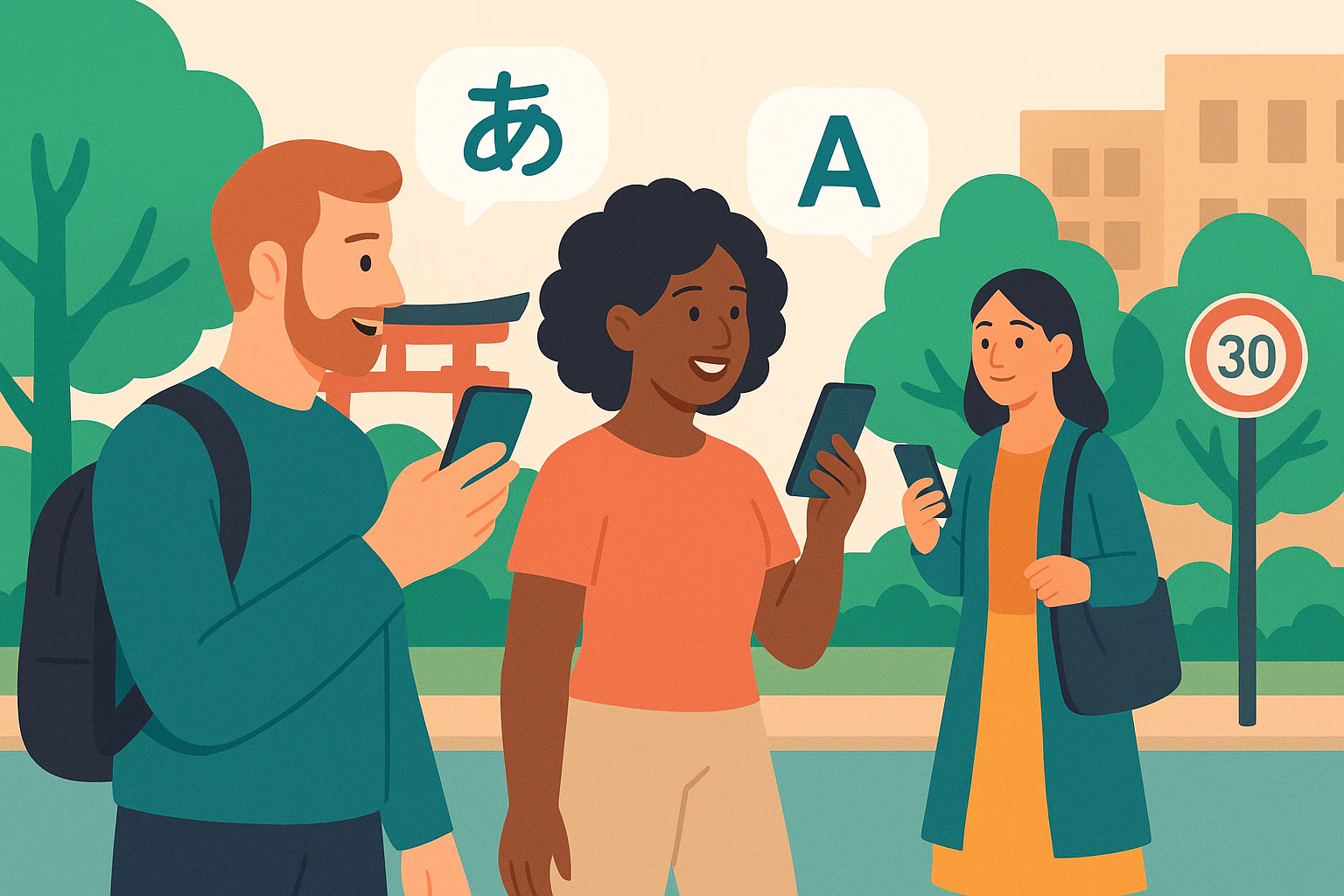
Most “best apps for Japan” lists are built for short trips: train routes, restaurants, and sightseeing. But if you actually live here, the language moments that matter are higher-stakes—city hall forms, clinic explanations, school notes, and rental contracts—where small misunderstandings can create real problems. This guide covers the best translation apps for living in Japan by real resident situations, and it also includes a “Plan B” list of free/official interpreting support so you’re not stuck when an app fails.
How to use this article: pick an app (Plan A) based on your situation, then save at least one official interpreting option (Plan B) for your area. Apps are great for speed, but for paperwork, medicine, and contracts, you want a backup that can handle nuance.
What foreign residents actually struggle with (city hall, clinics, contracts)
Tourist-friendly translation usually means menus and signs. Resident life is different: you’re dealing with procedures, numbers, deadlines, and “if you miss this, you lose the benefit” situations—often explained in dense Japanese.
These are the moments where translation mistakes cause the most stress:
- City hall procedures: address changes, National Health Insurance, pension, childcare allowances, garbage rules, and “what do I bring?” checklists.
- Clinics and hospitals: describing symptoms accurately, understanding medication instructions, consent forms, and follow-up schedules.
- School and daycare: short but critical notes (what to bring tomorrow, vaccination reminders, emergency drills), plus PTA and “class rule” documents.
- Housing and contracts: lease terms, renewal clauses, move-out fees, guarantor language, and “responsibility” wording that is hard to translate cleanly.
- Workplace communication: polite Japanese (keigo), indirect refusals, and messages where tone matters as much as meaning.
If you want a resident-first overview of city hall tasks and timing, keep a moving checklist handy—Moving checklist for foreigners in Japan: utilities, city hall & etiquette—and for leases, this guide helps you identify which sections you should never “guess-translate”: Japan rental contracts for foreigners (2026): guarantors & fees.
One more resident reality: public support exists, but it’s fragmented. Japan’s Immigration Services Agency has a subsidy program that helps local governments run “one-stop” consultation desks; as of the end of FY2023, 261 local governments were operating them (and 264 had received the subsidy). That’s why support can be amazing in one city and minimal in the next. (Source: Immigration Services Agency report on one-stop consultation desks (Sept 4, 2024).)
Best translation apps for Japan—choose by situation (signs, speech, documents)
Instead of ranking apps “1 to 5,” choose a tool the way residents actually use them: one for quick reading, one for speech, and one for writing/documents. If you only install one, pick the one that matches your highest-risk situations (usually: counters + medical).
Here’s a practical resident-focused comparison. (After the table, you’ll find “Plan B” official interpreting options.)
| Situation | What you need | Good Plan A choices | Resident pro tip |
|---|---|---|---|
| Reading posters, letters, signs | Camera/OCR + fast “gist” | Google Translate, Microsoft Translator | After camera translation, re-check key numbers/dates in the original (Japanese often puts dates in different places). |
| Counter conversations (city hall, school, bank) | Two-way speech + short turns | VoiceTra, Google Translate conversation | Ask the staff to speak in short sentences; translation quality improves dramatically. |
| Clinics/hospitals | Accurate symptoms + instructions | VoiceTra + typed notes | For meds and consent, request written instructions too (then translate the written text). |
| Long emails, landlord messages, HR messages | Natural phrasing + tone | DeepL, Google Translate | Translate both directions (EN→JP and JP→EN) to spot tone drift. |
| Documents (contracts, school printouts) | Layout + terminology | DeepL + camera translate | Do not rely on a single pass—flag unclear clauses and get a human check. |
Now, the resident picks—focused on how they behave in real life (noise, speed, politeness, and forms).
1) Google Translate (best “Swiss Army knife”)
For day-to-day “what does this say?” needs—mail, posters, appliances, and quick chat—Google Translate is still the most flexible. It’s especially useful when you’re in “translation app Japan daily life” mode: you’re not trying to be perfect, you’re trying to keep life moving.
Resident tips: (1) use camera translation for headings and lists, then type the most important sentence manually for a cleaner result; (2) always verify names, addresses, and numbers against the original text; (3) for forms, translate the label and then search that Japanese label online to confirm what the office expects.
2) DeepL (best for natural writing and nuanced meaning)
DeepL tends to produce more natural English/Japanese than many general translators, which is why residents like it for messages to landlords, schools, and coworkers. It’s also helpful when you need polite Japanese that doesn’t sound robotic.
Resident tips: keep your sentences short and explicit (subject + action + deadline). If your translated Japanese sounds too strong, soften it with one extra sentence like “ご確認いただけますと幸いです” (I’d appreciate your confirmation).
3) Microsoft Translator (best for multi-person conversations)
If you’re in a group setting—orientation, school meeting, workplace training—Microsoft Translator’s conversation-style approach can be easier to manage than passing one phone back and forth. It’s not “Japan-specific,” but it fits a common resident problem: multiple speakers, fast switching, and interruptions.
Resident tips: ask for a one-minute “summary pause” every few minutes. Even a great app struggles when three people talk over each other.
4) Japanese voice translation app VoiceTra (best Japan-specific pick for counters and appointments)
If you install only one Japan-specific tool for speaking, make it VoiceTra. VoiceTra is a multilingual speech translation app developed by Japan’s NICT and it’s free to download/use (data communication fees may apply because processing is cloud-based). (Source: VoiceTra FAQ (NICT).)
As of the Feb 24, 2026 release notes, VoiceTra translates between 33 languages and the supported OS versions are iOS 17+ and Android 11+. (Source: VoiceTra official page (NICT).)
Where VoiceTra shines for residents:
- City hall counters: short, practical exchanges (“I need to change my address,” “Which counter?”).
- Clinics: describing symptoms, confirming dosage instructions, and asking clarifying questions.
- Appointments: when you can control turn-taking (you speak → phone translates → they respond).
Where it can struggle: long explanations, background noise, and situations where the other person speaks for a full minute without pausing. In those cases, switch to typed translation or ask for an interpreter option from the facility.
Not sure which app setup fits your exact city hall, clinic, or school situation? Ask a local Japanese person on LO-PAL for personalised advice.
When apps aren’t enough: free official interpreting (Tokyo/Osaka examples)
Apps are Plan A. Your resident safety net is Plan B: official or semi-official interpreting support that can step in when (a) the topic is high-stakes, (b) the environment is noisy, or (c) the office needs exact wording.
Before the city-specific examples, here are the two most important “where to look” resources:
- National-level hub (FRESC): The Foreign Residents Support Center (FRESC) is a one-floor hub with multiple government help desks. The official FRESC flyer lists a main phone number (Navi Dial) 0570-011000 and an international number (+81)3-5363-3013, plus the address and hours. (Source: FRESC official information (Immigration Services Agency PDF).)
- National “Daily Life support portal” entry point: Japan’s e-Gov portal links to the Daily Life support portal for Foreign Nationals and explains it was launched to provide useful information for foreign residents and supporters. (Source: e-Gov “Living” page (Digital Agency).)
Why your city may feel different from your friend’s city: the Immigration Services Agency reports that 261 local governments were operating one-stop consultation desks at the end of FY2023, supported by a subsidy program—so coverage is wide, but not uniform. (Source: Immigration Services Agency report (Sept 4, 2024).)
Tokyo “Plan B” examples (medical + public counters)
Tokyo Metropolitan Health & Medical Information Center (HIMAWARI): Tokyo runs a phone service that provides consultation and information on medical institutions with foreign-language support and Japan’s medical system. It’s free, but the caller pays call charges; languages listed include English, Chinese, Korean, Thai, and Spanish. Hours are every day 9:00–20:00, and the phone number is 03-5285-8181. (Source: Tokyo Metropolitan Government: HIMAWARI medical information service.)
Growing trend at counters: transparent “real-time subtitle” displays. Tokyo has been expanding transparent display devices that convert speech to text and show real-time translations; a Tokyo Metropolitan Government press release (English) states installations were expanded to 110 metropolitan facilities starting July 1, 2025, with real-time translation in up to 32 languages. (Source: Tokyo Metropolitan Government press release (June 20, 2025).)
Important 2026 reality check: not every rollout is smooth. Tokyo also announced that an “AI translation transparent display” demonstration was temporarily suspended from Jan 18, 2026 due to device damage, with plans to resume after reinforcement. (Source: Tokyo Metropolitan Government notice (Jan 21, 2026).)
Ward-level deployments vary. For example, Minato City announced transparent translation displays at ward office counters starting Feb 17, 2025 with support for about 120 languages. (Source: Minato City press release (Feb 17, 2025).) Edogawa City announced a transparent translation display installed at a welfare counter on Jan 24, 2025, noting translation into 13 languages (e.g., English and Chinese). (Source: Edogawa City press release (Jan 24, 2025).)
Osaka “Plan B” examples (medical + consultation)
Osaka Medical Net for Foreigners: Osaka Prefecture provides “Osaka Medical Net for Foreigners,” a multilingual site where you can pick your language and search for information useful when you visit a medical institution. The top language selection page lists options including English, Chinese (simplified/traditional), Korean, Spanish, Portuguese, Vietnamese, Tagalog, and French, and it also shows the Osaka Prefecture contact phone 06-6941-0351. (Source: Osaka Medical Net for Foreigners (Osaka Pref.).)
Osaka Information Service for Foreign Residents (OIS): The Osaka Foundation of International Exchange (OFIX) describes OIS as offering information and advice on a wide range of daily life issues in 11 languages (including Japanese) and lists the phone number 06-6941-2297. (Source: OFIX: Osaka Information Service for Foreign Residents.)
Osaka International House “Information Counter for Foreign Residents”: Osaka International House also provides guidance and consultation in multiple languages and lists a phone number 06-6773-8989. (Source: Osaka International House: Information Counter.)
City hall consultation support varies by region (and often includes video interpreting)
This is where your “free interpreter service Japan city hall” Plan B can be surprisingly strong—especially in cities that invested in video interpreting tablets, interpreter call centers, or multilingual counselors.
Iga City (Mie Prefecture): Iga City states it provides multilingual daily-life consultation and help with city procedures, and that it can support 16 languages using video interpreting and machine translation. The page lists the department phone 0595-22-9702. (Source: Iga City: multilingual daily-life consultation.)
Toyonaka City (Osaka Prefecture): Toyonaka City’s foreign-resident consultation page notes “life problems” support in 11 languages, and the same page indicates that for city administration guidance, languages other than English/Chinese may require advance reservation (it also lists contact details such as 06-6858-2730 and an email address). (Source: Toyonaka City: consultation windows for foreign residents.)
Shiga Prefecture pattern (Pocketalk + remote interpreting): Shiga Intercultural Association’s consultation desk listings show a common non-mega-city approach: some windows use PocketTalk devices and remote interpretation via web meeting systems on tablets for multilingual support. (Source: Shiga Intercultural Association: consultation desk list.)
Plan B mini-checklist to save right now:
- Save your city’s “foreign resident consultation” page (search your city name + "foreign resident consultation" / "multilingual consultation").
- Save one medical support line for your prefecture (Tokyo’s HIMAWARI is a good model if you live in Tokyo).
- Save the FRESC number for national-level government desk support.
- When you go to an office, ask: “Is there video interpretation available?” (Many counters now have tablets or call services.)
Quick scripts + what to do next checklist (and when to ask LO-PAL)
When you’re nervous, you forget words—even in your native language. Use these short scripts to take control of the pace and get the staff to switch to a support option (writing, slow speech, or an interpreter system).
Quick scripts (Japanese you can show or read)
- City hall: Excuse me — could I request an interpreter?
- Slow down request: Could you speak more slowly? Please use short sentences.
- Ask for writing: Please write the key points down on paper.
- Clinic symptom opener: When did the symptoms start, and what are they?
- Medication confirmation: When should I take this, and how often/how much?
- Contract caution: This is a contract, so I will review the contents and reply afterward.
“What to do next” checklist (resident workflow)
Before you go
- Screenshot your key question in Japanese (even imperfect) and your address/name in Japanese format.
- Prepare a “facts list”: dates, policy number, school class, apartment room number, and deadlines.
- If it’s medical, write your symptoms, start date, allergies, and current meds in simple bullet points.
At the counter / appointment
- Start with your request and deadline first (“I need to submit this today”). Then ask questions.
- Use your speech app in short turns (10 seconds max), or switch to typing for important details.
- Ask if they have an interpreter call system, video interpreting tablet, or multilingual support window.
After you leave
- Immediately translate the handouts again at home, slowly, and highlight anything unclear.
- Send yourself a summary message: what you did, what you must do next, and by when.
- If it’s a contract or a dispute, don’t reply fast—get a second set of eyes.
When to stop trusting the app and switch to Plan B
- Medical consent, surgery, or invasive tests (ask for an interpreter option and written explanation).
- Contracts and money: leases, renewal fees, move-out charges, penalty clauses.
- School safety issues: allergies, emergency contacts, bullying-related communication.
- Anything that involves “must/shall” obligations and deadlines.
FAQ (common resident questions)
Q: Can I rely on an app for signing a rental contract?
A: Use apps to understand the general meaning, but treat unclear clauses as a red flag. For anything involving penalties, renewal, or move-out costs, get a human check (agent, support desk, or a local helper).
Q: What’s the fastest Plan B for Tokyo medical visits?
A: Call the Tokyo HIMAWARI medical information service at 03-5285-8181 (9:00–20:00 daily) to ask which nearby clinics can support your language and how the system works.
Q: My city hall staff are kind but we can’t communicate—what should I ask for?
A: Ask whether they have video interpreting, a multilingual call center, or a foreign resident consultation window. Many municipalities use tablets or call services even when no bilingual staff are present.
Q: Should I use voice translation in a noisy office?
A: If accuracy matters, switch to typed sentences or ask the staff to write key instructions. Noise and long speech segments are the most common failure mode for voice tools.
Related Articles
- Easy Japanese for city hall paperwork in Japan (free guides)
- Moving checklist in Japan for foreigners: utilities, city hall & etiquette
- Japan rental contract for foreigners (2026): guarantors & fees
Need More Help? Ask on LO-PAL
When apps and official windows still don’t solve the real problem—tone, nuance, keigo, or “what does this clause mean for me?”—that’s exactly where we built LO-PAL.
LO-PAL is our matching service that helps foreign residents (and visitors) connect with local Japanese helpers. Post a question or request a task in the app, and local people in your area will respond—whether you need an explanation of a city hall letter, help drafting a polite message to a school or landlord, or hands-on support like accompanying you to an office. We support multiple languages in-app, including English, Chinese, Vietnamese, Portuguese, Korean, Nepali, Tagalog, Indonesian, and Spanish.
Written by

Founder, LO-PAL
Former Medical Coordinator for Foreign Patients (Ministry of Health programme) and legal affairs professional. Built LO-PAL from firsthand experience navigating life abroad.
Written with partial AI assistance
Read full bio →